ClubSport Shifter
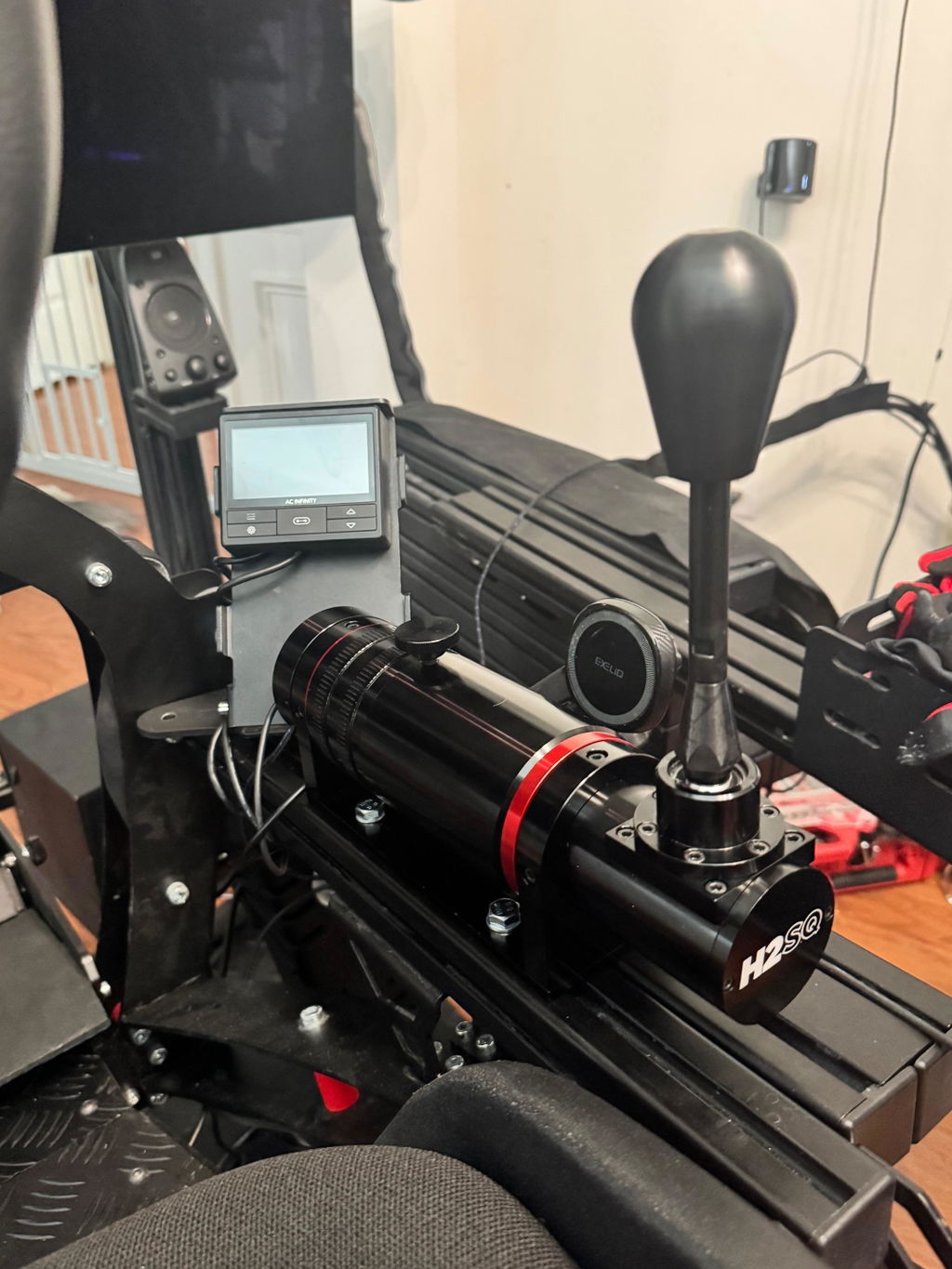
Connect your ClubSport Shifter directly to PC and use both H-pattern and sequential modes with a compatible racing wheel setup.


FULL COMPATIBILITY

Connect compatible Fanatec peripherals directly to your Windows PC as standalone input devices.
Use your ClubSport Shifter in both H-pattern and sequential modes with compatible PC racing setups.
Connect your ClubSport Handbrake directly to PC without requiring another Fanatec product with a handbrake port.
Use compatible analogue Fanatec pedals directly on your PC through USB.
Change the adapter firmware to configure it for the supported Fanatec device you want to use.
The adapter activates 7th gear across supported ClubSport Shifter configurations.
Product Details
| Product | Fanatec ClubSport USB Adapter |
|---|---|
| Product Type | USB Peripheral Adapter |
| Platform | Windows PC |
| Connection Purpose | Direct USB Connection for Compatible Fanatec Peripherals |
| Shifter Modes | H-Pattern and Sequential |
| 7th Gear Support | Yes |
| Standalone Handbrake Support | Yes |
| Direct Analogue Pedal Support | Yes |
| Firmware | Upgradeable |
| Default Firmware | ClubSport Shifter Mode |
| Device Mode Change | Performed Through Fanatec Driver Firmware Update |
| Shifter Calibration | Required Through PC Driver Calibration Program |
| Game Compatibility | PC Racing Games Supporting Multiple Input Devices |
FANATEC PC CONNECTIVITY
The ClubSport USB Adapter is designed for supported Fanatec shifters, handbrakes, and analogue pedal sets on Windows PC. Most PC racing games that support multiple input devices can use peripherals connected through the adapter. The adapter ships configured for the ClubSport Shifter. When connecting another supported device, update the adapter firmware through the Fanatec driver and select the appropriate device mode.
Connect your ClubSport Shifter directly to PC and use both H-pattern and sequential modes with a compatible racing wheel setup.
Use your ClubSport Shifter SQ as a standalone PC device through the ClubSport USB Adapter.
Connect your ClubSport Handbrake directly to PC without requiring another Fanatec product with a dedicated handbrake port.
Compatible with analogue CSL Elite Pedals without the CSL Elite Pedals Loadcell Kit.
Connect compatible CSL Pedals directly to your Windows PC through USB.
Use supported Fanatec peripherals alongside other PC racing wheels, including compatible Logitech and Thrustmaster setups.
Designed for PC racing titles that support multiple input devices, including Assetto Corsa, iRacing, rFactor 2, Project CARS, and other supported games.
Order Fulfillment
Free Standard Shipping within the United States.
We ship from Huntington, CA.
Orders placed before 11:00 AM PST will ship the same day, while orders placed after 11:00 AM PST will ship the next business day.
FULL COMPATIBILITY
Connect your Fanatec devices via USB to your PC to make it compatible to almost any modern racing simulation.

Use Fanatec peripherals like your ClubSport Shifter (CSS or CSS SQ) with your Logitech G27 or Thrustmaster T500RS or any other wheel on PC.

The ClubSport Handbrake requires connection to a Fanatec product with dedicated handbrake port by default. With this adapter you can use it as standalone device on PC.
Engineered for performance. Built to last.