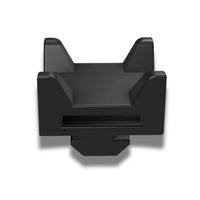
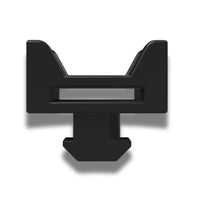
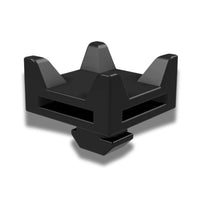
What profile do these cable clips fit?
They're designed for 40 Series 8020 aluminum profile and are compatible with any 40 Series extrusion. They twist-lock into the channel, so no drilling or adhesive is needed and you can reposition them any time.
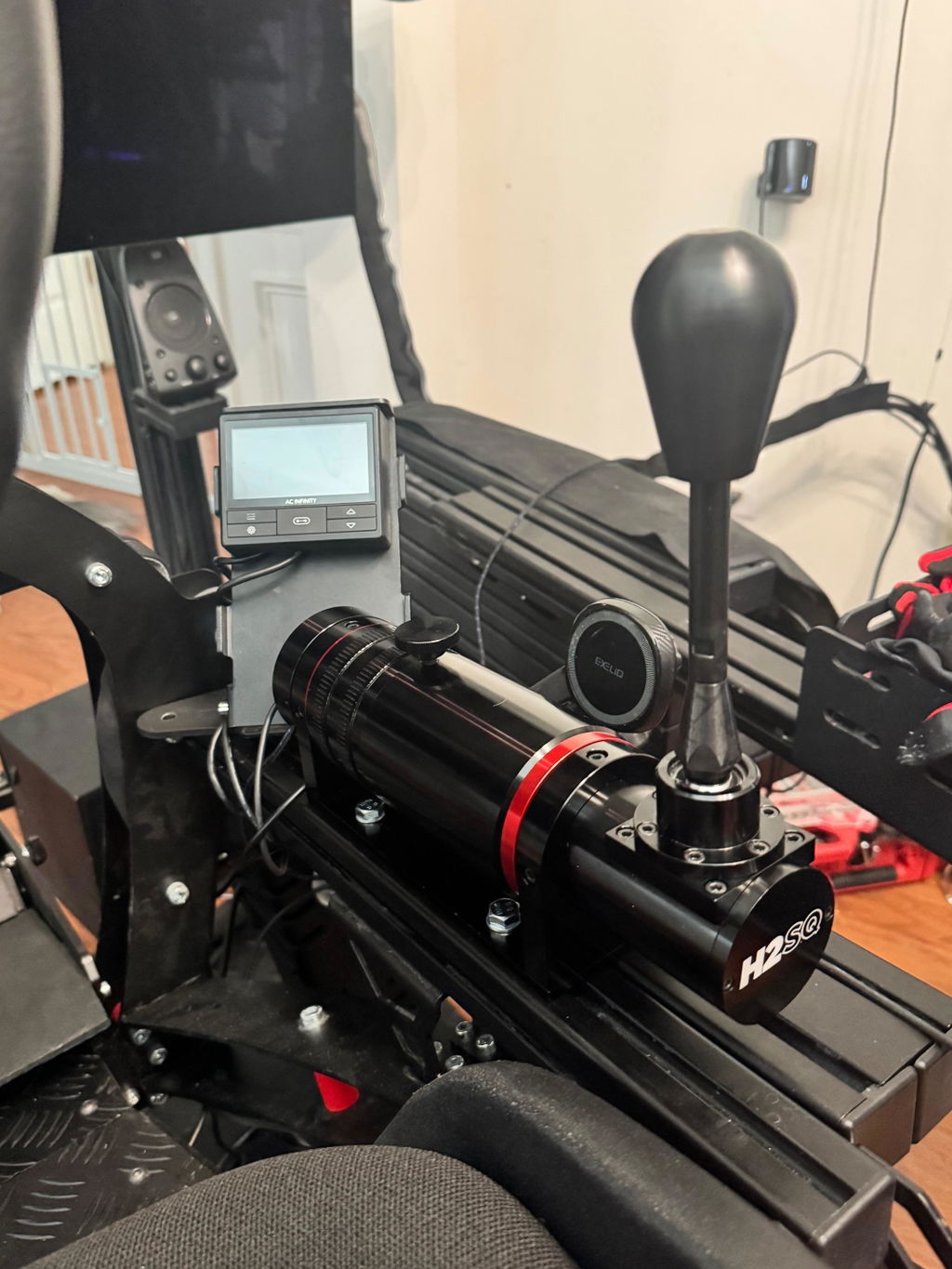
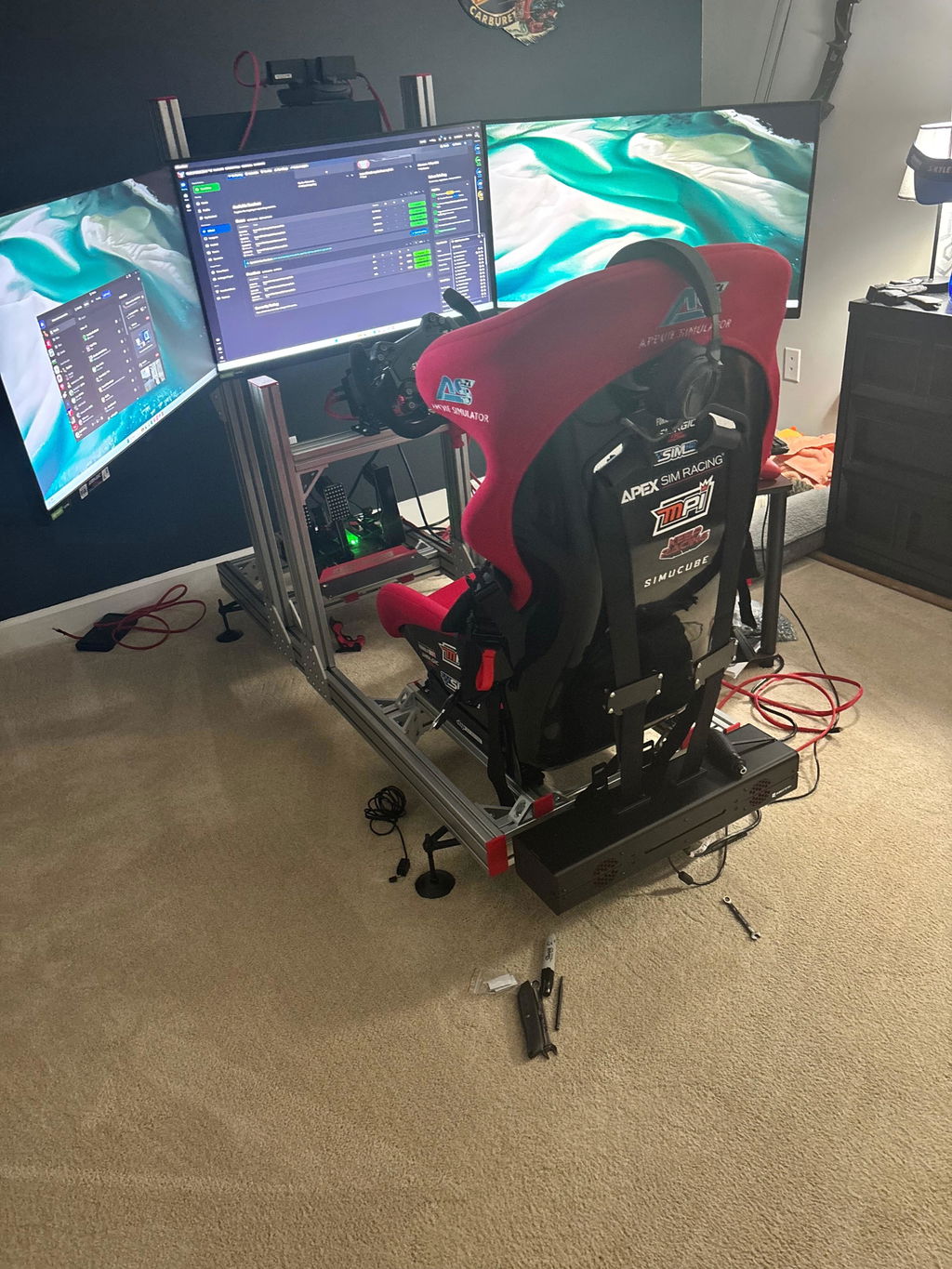

Apevie Simulator Cable Management Tie-down Clips
They're designed for 40 Series 8020 aluminum profile and are compatible with any 40 Series extrusion. They twist-lock into the channel, so no drilling or adhesive is needed and you can reposition them any time.
No — the clips are the anchor points, and you supply your own Velcro straps or zip ties to secure the cables. Velcro is the better choice for a sim rig since you'll be swapping wheels, pedals, and peripherals regularly.
A single-seat rig with a wheelbase, pedals, dash, and monitors usually takes 20–30 clips to route everything cleanly, so the pack of 25 covers most home builds. Pack of 50 suits a motion rig with more cable runs or a rig plus monitor stand. Pack of 100 is for sim centers, multi-rig installations, or full custom builds.
Beyond looking clean, loose cables get pinched by seat sliders, snagged when you climb in and out, and — on a motion rig — pulled and stressed every time the platform moves. Anchoring cables to the frame protects your connectors and prevents the kind of intermittent faults that are miserable to diagnose mid-race.
Yes, and they're especially valuable there. Cables on a moving platform need to be secured along the frame with enough service loop at the pivot points. If you're building a motion rig, plan for more clips than you think you need.
They fit any 40 Series profile section on our cockpits. Note that the RTR V2 uses 160x40 mm and the SP Cockpit uses 80x40 mm profile — both have 40 Series channels the clips lock into.
Yes. The twist-lock design means you can pop them out and relocate them whenever you rearrange your setup, without leaving marks on the profile.
Our team is ready to help you choose the right simulator solution.
Engineered for performance. Built to last.